Welcome to CareerDiary
Your AI-powered career management platform. Track your professional journey in your career diary and instantly generate tailored resumes and cover letters for any job opportunity.
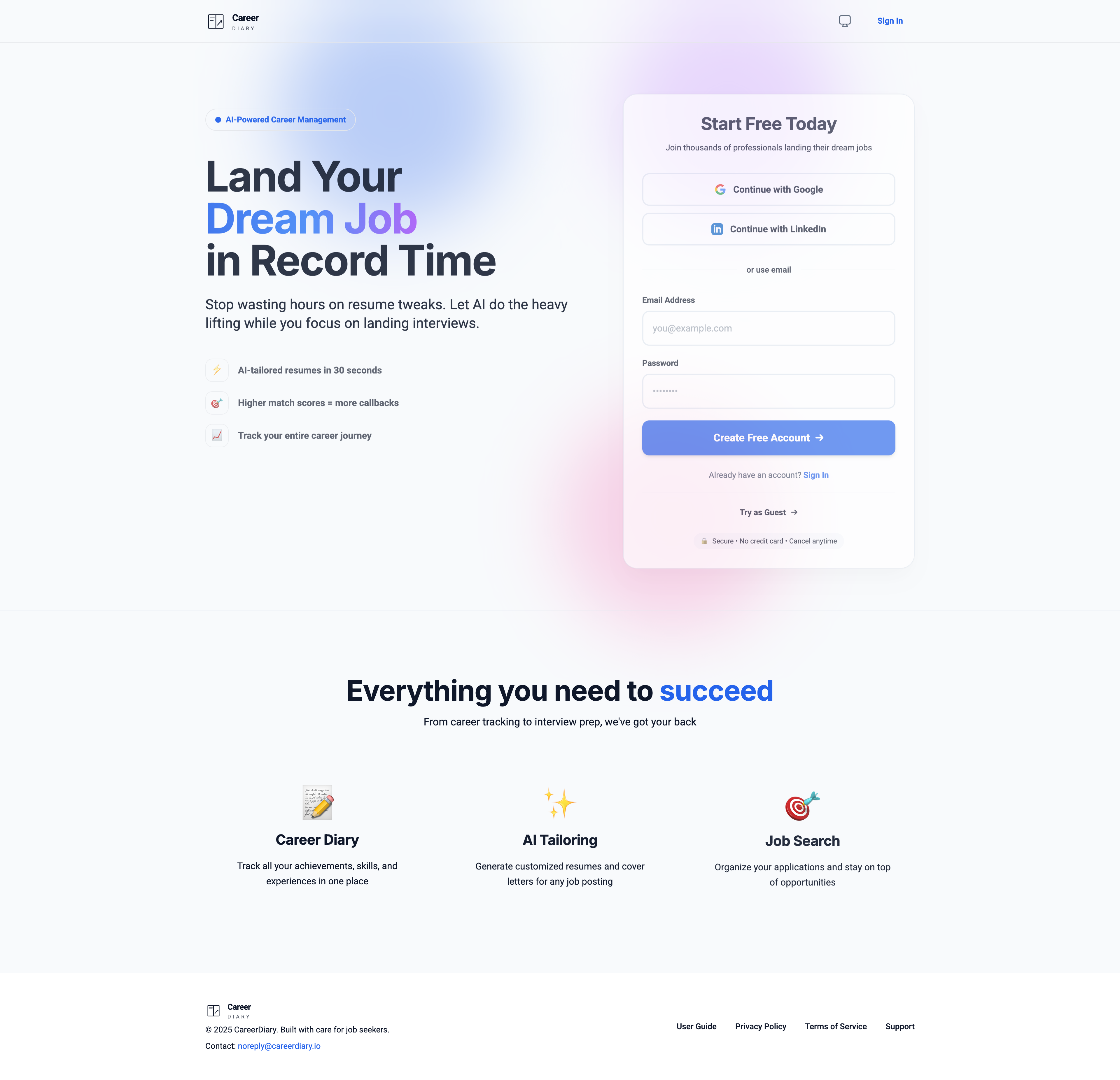
CareerDiary Landing Page: Sign up with Google, LinkedIn, or email to get started. Guest mode is also available for trying out features.
Getting Started
Accessing the App
- Guest Mode: Try out the features without creating an account. Your data is stored locally in your browser.
- Signed In: Create an account to sync your data across devices and ensure your career history is always backed up.
Initial Setup
When you first launch the app, you'll be guided to set up your profile. This involves adding your basic contact information and professional summary.
Core Features
Career Diary
The Career Diary is the heart of CareerDiary. It serves as the "single source of truth" for your entire professional history. Instead of maintaining multiple versions of a resume, you capture everything here.
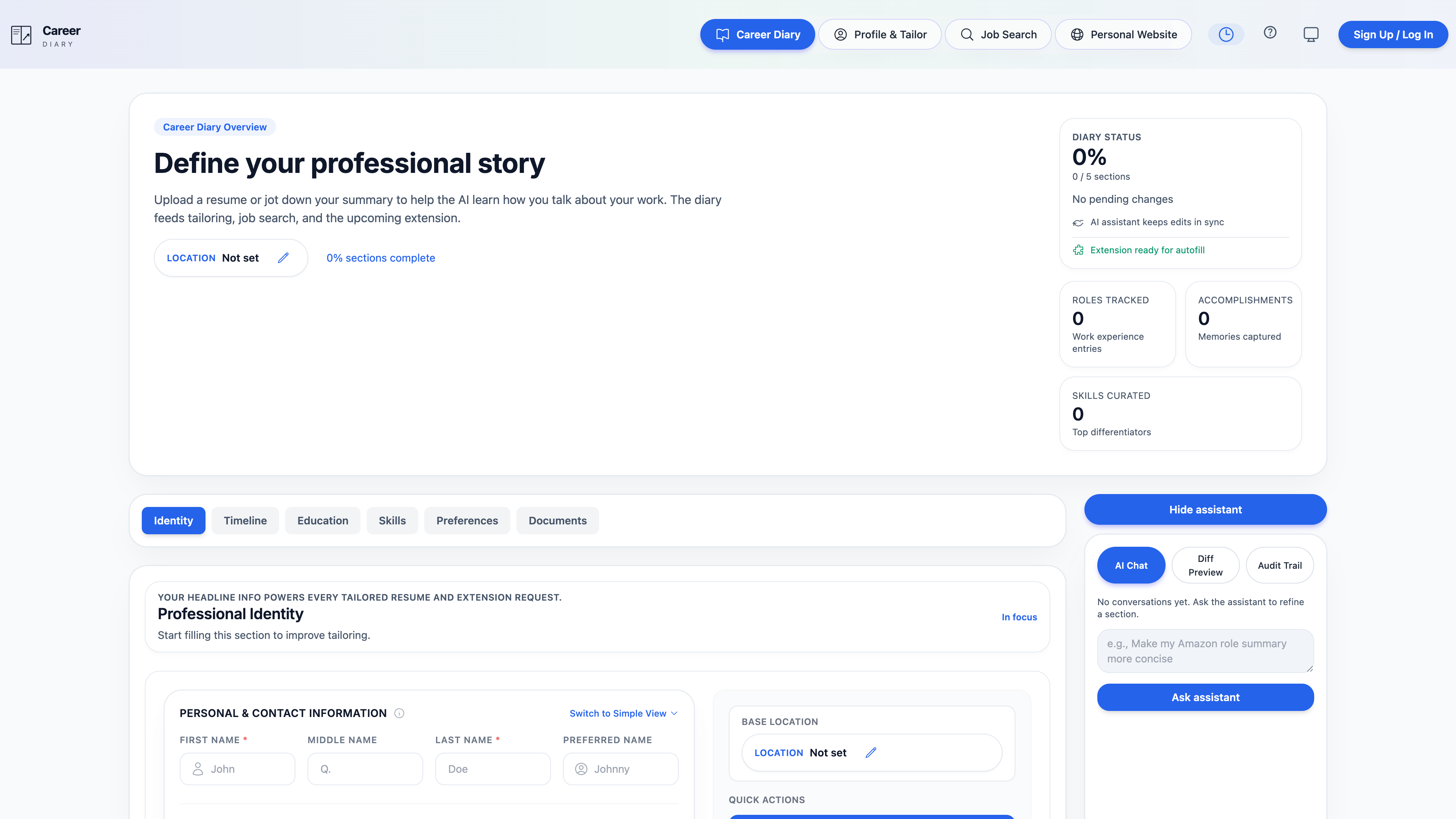
The Career Diary page showing organized work experiences, projects, education, and skills
Profile & Tailor
This is where the magic happens. Once your Career Diary is populated, you can generate tailored applications in seconds.
- Navigate to "Profile & Tailor" within the app.
- Input Job Description: Paste the job description of the role you are targeting.
- Select Experience: The AI will recommend relevant diary entries, but you can manually select items.
- Generate: Click "Tailor Resume". The AI rewrites your bullet points to match the job's keywords and tone.
- Export: Download your tailored resume as a PDF or DOCX.
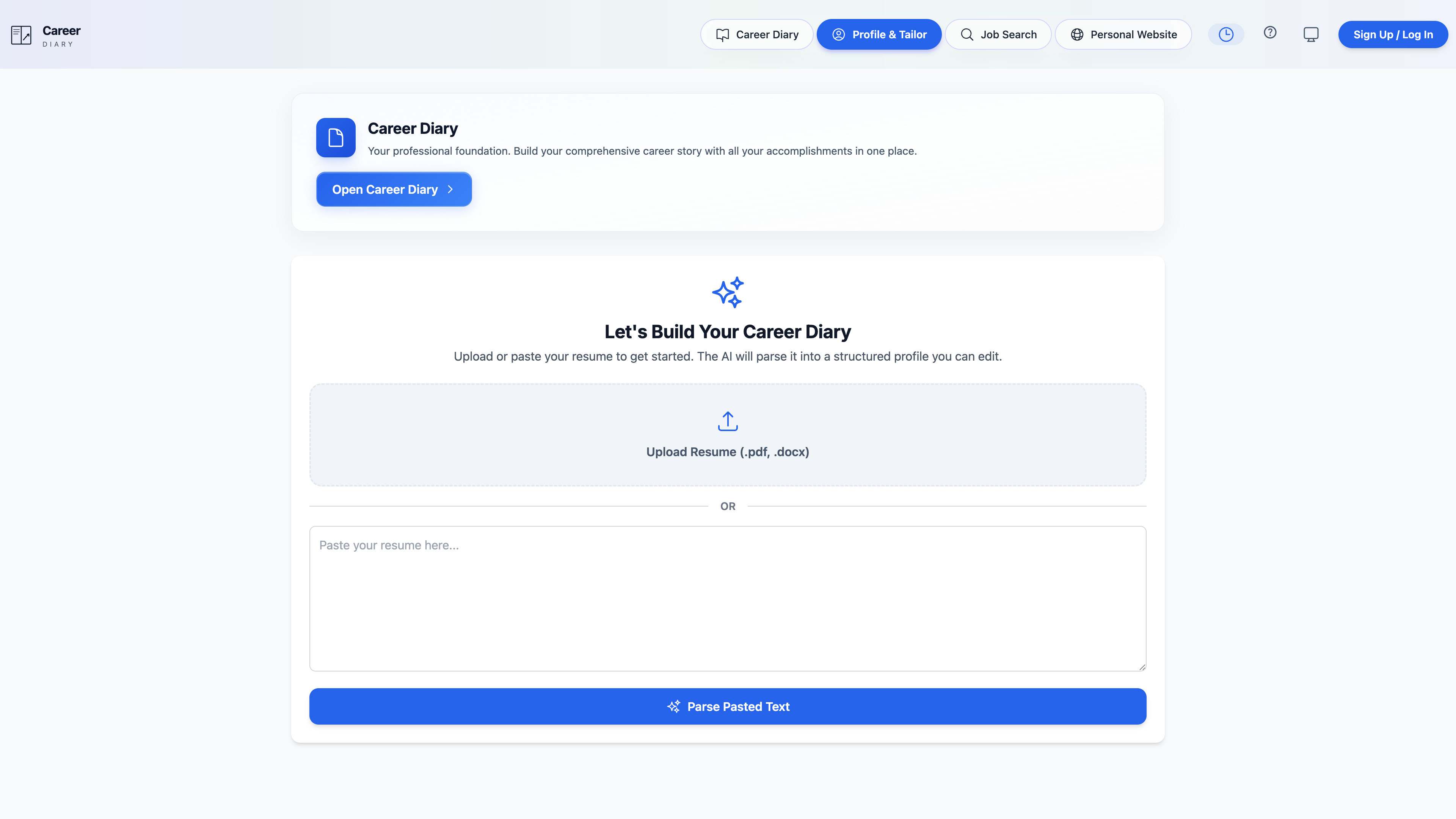
Profile & Tailor page where you paste job descriptions and AI generates optimized resumes
Job Search
Find your next role without leaving the app.
- Search: Enter keywords and select your preferred location type (Remote, Hybrid, Onsite).
- AI Matching: The app highlights jobs that are a good match for your skills.
- Seamless Application: Click "Tailor for this Job" to instantly move to the tailoring flow with the job description pre-filled.
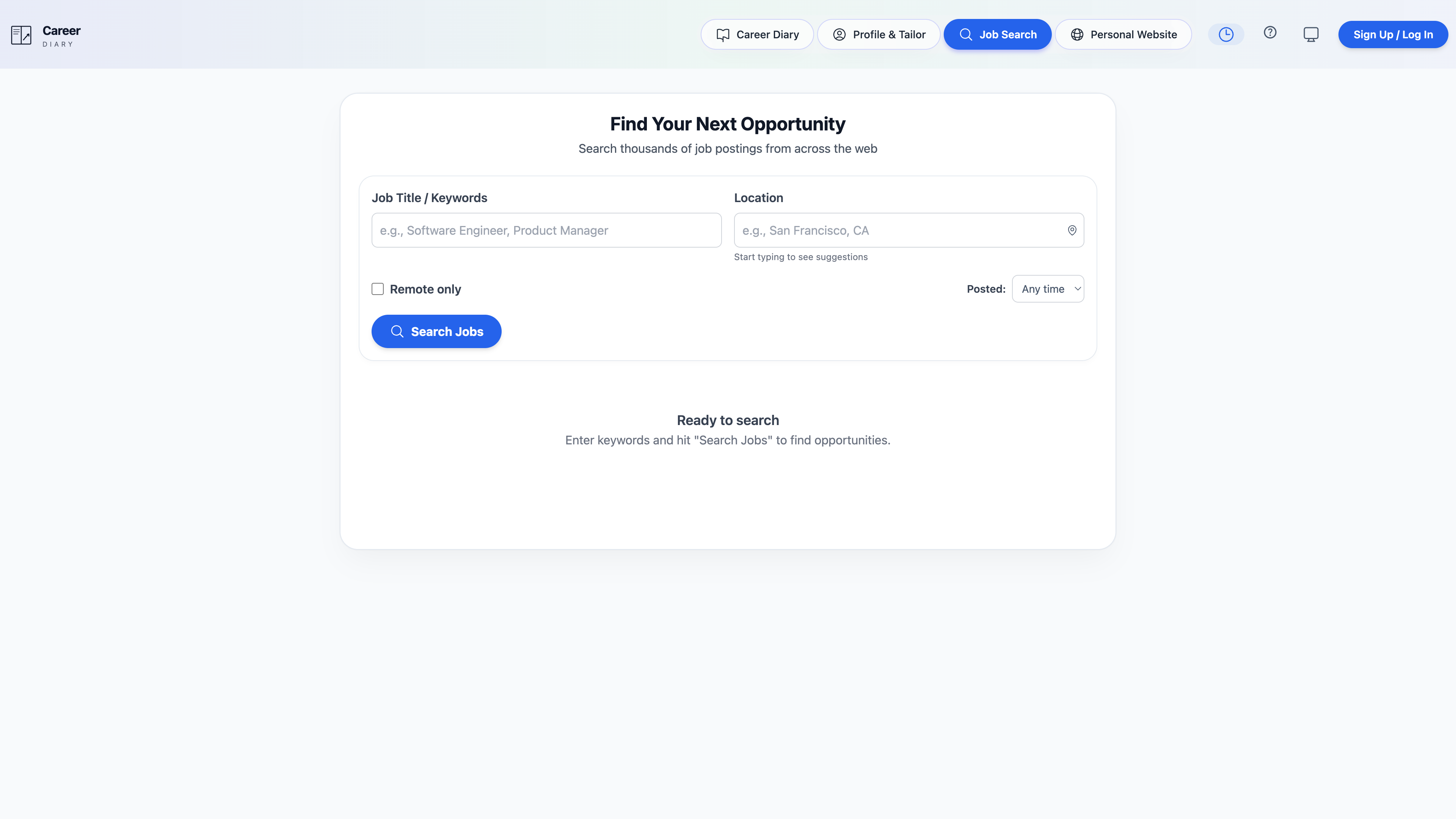
Job Search page displaying relevant job opportunities with "Tailor for this Job" quick actions
Tips for Success
Update Regularly
Treat your Career Diary as a living document. Add new achievements as you acquire them.
Be Specific
Use numbers and metrics (e.g., "Increased sales by 20%") to make your achievements concrete.
Review AI Output
Always review the generated resumes and cover letters to ensure they sound like you.